

Clearer decisions for car rental
Compare car rental offers in one place.
Create your request, view offers in a consistent format, compare prices and rental terms, and choose the option that fits you more easily.
Look. Compare. Rent.
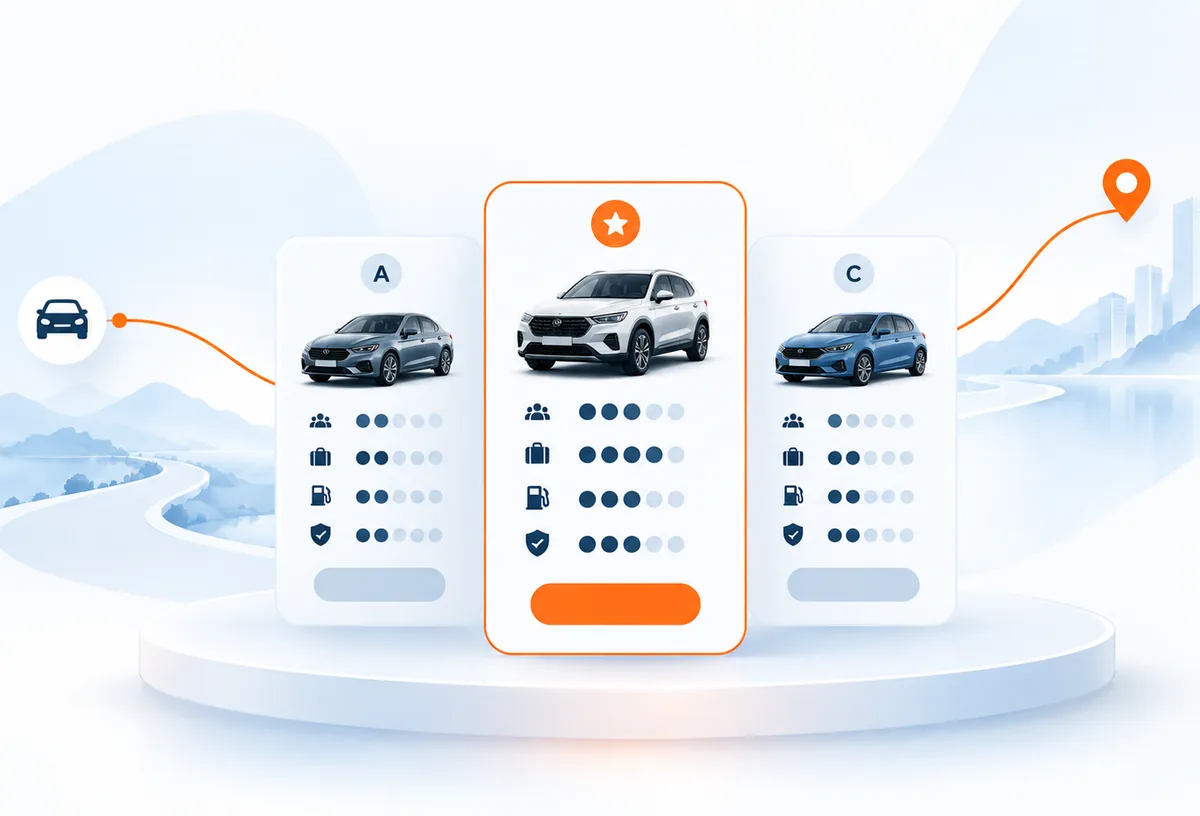
Illustrative comparison
Same vehicle class, same information layout.
- Price
- Deposit
- Mileage
- Transmission
- Fuel
- Pick-up / return
- Price
- Deposit
- Mileage
- Transmission
- Fuel
- Pick-up / return
- Price
- Deposit
- Mileage
- Transmission
- Fuel
- Pick-up / return
Compare in one place
See the offers presented to you on one screen, in one layout.
Evaluate the terms together
Review deposit, mileage and handover terms next to the price.
Make a clearer decision
Compare the options and settle on the one that fits you.
Three steps
How Kiralook works
Turn your car-rental decision into three simple steps.
01
Create your request
Specify your dates, location and vehicle needs.
02
Compare offers side by side
Review options in a consistent structure instead of searching for every important detail separately.
03
Choose what fits you
Evaluate price, vehicle details and rental terms together.
Comparison criteria
Price is only part of the decision.
Kiralook is designed to present the information that matters in a clearer, more comparable format.
Total cost
Assess the daily or total amount more clearly.
Deposit
See the deposit alongside the other terms of an offer.
Mileage
Compare the mileage limit and the conditions attached to it.
Vehicle details
Review the class, transmission, fuel type and key vehicle details.
Pick-up & return
Go over the pick-up and return details.
Terms
See the important conditions of an offer before you decide.
Approach
Why Kiralook?
Four design principles behind the Kiralook experience.
Comparable structure
Presents offers in a similar layout, which makes the options easier to evaluate.
Mobile first
Designed to be fast, readable and comfortable to use on a phone.
Decision focused
Brings forward the information you need to decide instead of showing more screens.
A transparent approach
Treats rental terms as something to show next to the price, not behind it.
Short answer
What is Kiralook?
Kiralook is a digital car-rental experience designed to simplify the journey from rental request to offer comparison. It helps users evaluate price, vehicle details and rental terms more clearly so they can make a more informed choice.
- Available in Turkish and English.
- Designed mobile first; it works on phone, tablet and desktop.
- Aims to keep rental terms visible next to the price.
Coming soon
Kiralook is coming to your phone.
Compare car rental offers on iOS and Android soon.


Good to know
Frequently asked questions
The questions we are asked most about Kiralook, answered briefly.
Still have a question we have not answered? Contact us
How does Kiralook work?
Once you have described what you need, you can review the car rental options presented to you in a shared layout, and evaluate the price, the vehicle details and the important rental terms together.
What can I compare on Kiralook?
Depending on the information included in an offer, you can compare details such as price, deposit, mileage terms, vehicle class, transmission, fuel type and pick-up and return.
Can I use Kiralook on mobile devices?
Yes. The Kiralook experience is designed mobile first and adapts to phone, tablet and desktop screens.
Is English supported?
Yes. Kiralook's primary language is Turkish, and an English option is offered as well.
How can I contact Kiralook with a question?
You can reach us at kiralookapp@gmail.com.

Before you set off
You don't need more noise. You need a clearer comparison.
Look. Compare. Rent.
Contact us